Jobright reviews (2026): is Jobright AI legit, and what does it cost?
Updated
We make Apiva. Read this knowing that.
Everything about Jobright below comes from their own pages, their Google Play listing and their Trustpilot profile, checked on 17 October 2026. One catch up front: jobright.ai/pricing returns a 404, so their price is harder to pin down than it should be. Click through before you spend money on either of us.
Is Jobright AI legit?
Yes. Jobright is made by Jobright Inc., with a Santa Clara, California address, according to the developer details on its Google Play listing. And people like it. On 17 October 2026 Trustpilot rated it 4.8 out of 5 from 3,624 reviews, labelled Excellent.
On billing, a post on their own blog says they use "flexible monthly billing with no long-term contracts" and that you can cancel any time without penalties. We couldn't find published refund terms. Their pricing page and the /terms address both returned a 404 when we checked, so read whatever terms you're shown at checkout before paying.
The short version
With Apiva, you approve a job and our AI fills it in and submits it. Paid plans charge a monthly fee up front, and a credit from your allowance is only used once the submission is confirmed. If it doesn't go through, the credit stays in your balance. 25 applications a month are free, no card.
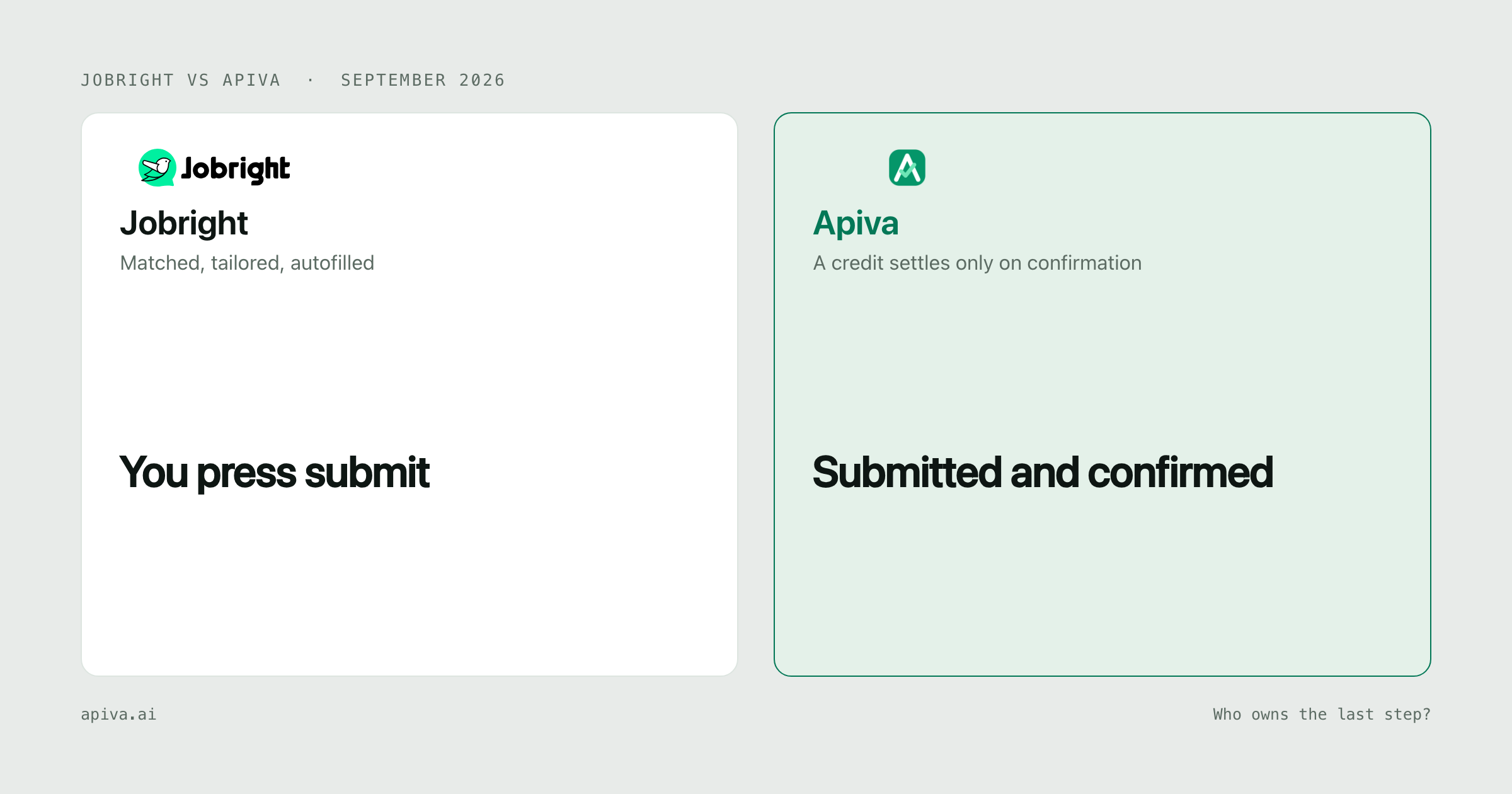
Jobright is mostly a matching tool, and a good one. It has a browser extension that fills in forms for you in one click, and then you press submit yourself.
If you're happy to press the button on every application, Jobright is great and their autofill page offers a free start. If you'd rather the application got sent and confirmed while you do something else, Apiva does that, and for most people short on time it's the better trade.
What Jobright actually is
Their autofill page claims 400,000+ new jobs a day and 8,000,000+ in total, so the pool you're matched from is big.
That same page lays out how applying works in four steps: install the extension, set up your profile, then open a job application site and click autofill. Step four, word for word, is "Submit your application, done!" That one is you.
Filling in forms is most of the tedium, to be fair, and they say they've autofilled 10 million applications and save users about five hours a week. But a filled form isn't an application yet. The employer has nothing until the button is pressed. So if you get distracted, or the form throws an error further down the page, it's on you to notice.
What you get with Apiva
You approve jobs from a feed built from a corpus of 50,000+ US company career pages, rescanned on a daily cycle. Or you paste a link to any US job you found yourself. Nothing is sent without your yes.
Our AI fills in the application and rewrites your résumé for that role, then submits it. You can see what changed before it goes.
Sometimes a form needs something we don't have, like an answer only you know. The app shows it as "Needs your answer" and carries on once you reply.
A credit is held when you add a job, released if you skip it before it's sent, and only spent when the submission is confirmed. If an attempt stops, it's marked "Will be retried" and no credit is used. Every confirmed application has a saved confirmation you can open.
Jobright pricing (checked October 2026)
This is harder to pin down than it should be.
jobright.ai/pricing returned a 404 on 17 October 2026. Their blog post Is Jobright Worth It?, first published July 2025, lists Free and $29.99 a month in its comparison table. Further down, the same post says $19.99 a month. It doesn't explain the difference, and it could be a different plan or billing length.
| Plan | Price | Source |
|---|---|---|
| Free | $0 | Their blog |
| Paid | $29.99 / month (the same post also says $19.99) | Their blog, first published July 2025 |
Treat that as a rough guide. If you're about to pay, get the number from their checkout, not from us and not from a review site.
Their autofill page has a "Start Autofilling for FREE" button. It doesn't say whether the free version has limits.
Apiva pricing
| Plan | Price | Applications a month |
|---|---|---|
| Free | $0, no card | 25 |
| Starter | $19 / month | up to 200 |
| Pro | $39 / month | up to 600 |
| Scale | $99 / month | up to 1,500 |
Every plan is the full product, and tiers only differ by volume. Quarterly prices ($49, $79 and $239) are published but quarterly billing isn't open yet. Credits reset monthly and don't roll over. Cancel any time and you keep the plan until the end of the period you paid for, though a part-used month isn't refunded. Full detail is on the pricing page.
If you use all 200 Starter credits in a month, that's as low as about ten cents per confirmed application. Use fewer and each one costs more. Either way, every credit spent is an application an employer actually received.
Side by side
| Jobright | Apiva | |
|---|---|---|
| Who presses submit | You, after autofill | Nobody you have to be |
| Matching | Match score per role | A feed you approve from |
| Proof it went through | None published | Saved confirmation per application |
| If it isn't sent | Up to you to notice | Marked "Will be retried", no credit used |
| How billing works | Monthly, per their blog | Monthly fee up front; a credit is used only on a confirmed submission |
| Free tier | A free start for autofill | 25 applications a month |
| Trustpilot | 4.8 / 5 from 3,624 reviews | No comparable base yet |
When Jobright is the better pick
You want the best reviewed tool in this space. 4.8 from more than 3,600 reviews isn't an accident. We're newer and don't have a review base to put beside it, so judge us on how the product works.
You want great matching and you don't mind clicking submit. That's what they built, and they built it well.
You'd like to start without paying. Their autofill page offers a free start.
You want a huge pool of jobs. 8,000,000+ in total, by their count, with 400,000+ new ones a day.
When Apiva is the better pick
If you want the application actually sent, not just filled in, the last click is ours. The confirmation is saved where you can open it.
It's easier to know when something failed. When a form needs you, the app asks. When an attempt stops, it says so and no credit is used.
Sponsorship questions are answered only from what you've told us. So are identity questions like disability disclosure. If you haven't said, it picks the form's decline option or asks you.
And because credits are only used on confirmed submissions, your count is applications employers received, not forms you filled.
Bottom line
If you want strong matching and you're fine being the one who submits, Jobright is a good product with the reviews to show for it, and you can start free.
If you'd rather the application got submitted and confirmed without you pressing the button, that's the whole reason Apiva exists. Try it on 25 applications a month, no card.
Whichever you pick, check a few applications in the employer's own portal. That's the record that decides whether you applied.
Checked 17 October 2026. Spot something outdated or wrong about either service? Tell us and we'll fix it.
Jobright and its logo are trademarks of their owner, shown here to identify the product under comparison. We aren't affiliated with them and they haven't endorsed this.