Can ChatGPT apply to jobs for you? What it can do in 2026, and where Apiva fits
Updated
We make Apiva. Read this knowing that.
Everything about ChatGPT here comes from OpenAI's own pricing page and help center, read on 17 October 2026, plus one reviewer's hands-on notes. We haven't pushed a batch of real applications through ChatGPT ourselves, so anything below about what its browser does on a form comes from OpenAI's description of it. The product changes fast, so check the live pages before you trust any post about it, this one included.
Can ChatGPT apply to jobs for you?
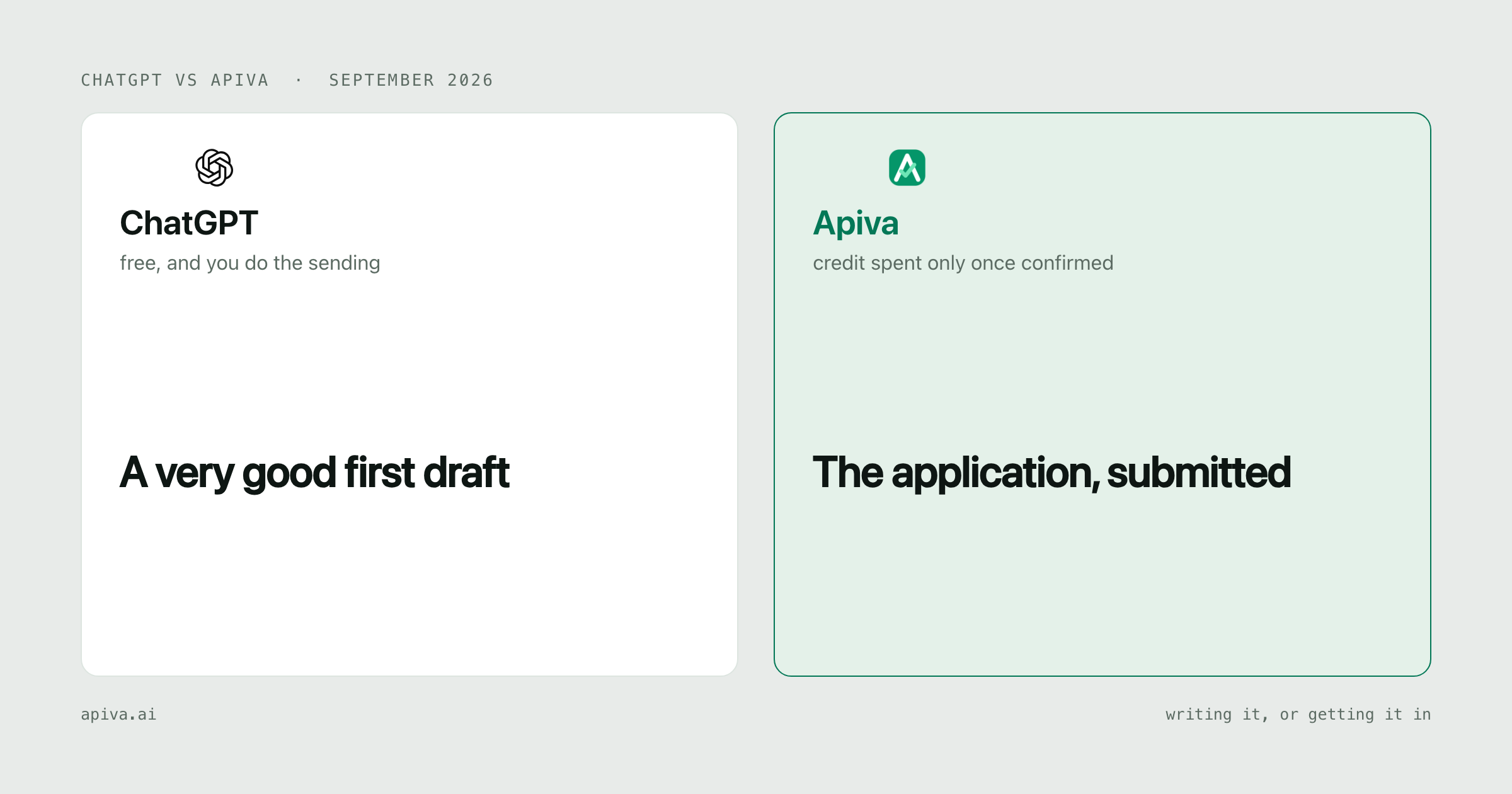
Partly, one at a time, and only on a paid plan.
The old agent mode is gone. OpenAI's help page for it now opens with "ChatGPT agent is no longer available." The part of ChatGPT that can work through a web form now is the cloud browser inside ChatGPT Work. OpenAI says it can "read web pages, click buttons, enter information into forms". It isn't on Free or Go.
It also stops for you along the way. It "pauses when it needs your input, sign-in, or confirmation", and it's built to ask before actions that could "create a financial, legal, account, or other real-world commitment". And OpenAI's own FAQ asks whether it can finish every task. The answer is "No." Some sites block automated browsers, and "You may need to take over or complete the final step yourself."
So for one application, on a site that lets it in, with you around to sign in and confirm, it can get a long way. We haven't tested whether it treats a submit button as a commitment worth checking with you. It isn't a pipeline, though. Each application is a task you start and keep an eye on.
The short version
ChatGPT is the best free writing help a job seeker has had. Paste in a posting and your résumé, and it will rework your bullets and draft the cover letter on the free plan.
Apiva is built to send applications. You approve a job, our AI fills in the form with your résumé tailored to that role, and submits it. Paid plans charge a monthly fee up front, and a credit is used only when the submission is confirmed. A stopped attempt is marked "Will be retried" and uses no credit. 25 applications a month are free, no card.
Use ChatGPT for the words. If what you need is the sending, Apiva does that without you watching each one, and for anyone applying at volume that's the better tool.
What ChatGPT is good at
The parts of a job search made of words, and that's a lot of it. Rewriting a bullet so it leads with the result. A cover letter that sounds like the company it's going to. The salary email you've been putting off. A mock interview where it asks the follow-up a real interviewer would. It never gets tired of your fourth draft.
The free plan is a real plan. OpenAI lists unlimited text chats, with uploads and memory limited. So paste your résumé in as text instead of attaching the PDF, and you'll hit fewer walls.
It only knows what you did from what you paste in, so checking that nothing got inflated is still your job. We've written more on that side in résumé power verbs.
Where ChatGPT stops
Volume is the problem. A reviewer at AI Productivity Coach, who ran Work on their own accounts in July 2026, noted two things worth knowing before you point it at 200 postings: "Sign-ins and CAPTCHAs will stop a cloud task outright," and "It can also report a task as finished when part of it isn't."
That second one is the job search problem. A form that threw an error on page three looks, from where you're sitting, the same as one that went through.
The cloud browser keeps its own logins, separate from your browser. You sign in to each employer portal once in it, and OpenAI says that session lasts for later tasks until it expires. And when a site blocks it, OpenAI's advice is to "open the page directly in your own browser."
What you get with Apiva
You approve jobs from a feed built from a corpus of 50,000+ US company career pages, rescanned on a daily cycle. You can paste a link to a US job you found somewhere else as well. Nothing is sent without your approval.
Our AI fills in the application and rewrites your résumé for that role. Skills get added only if your own résumé shows them, and you can review every change before it goes.
If a question needs an answer only you have, the app shows "Needs your answer". Reply, and it carries on from there.
Every confirmed application has a saved confirmation you can open. A credit is held when you add a job, released if you skip it before it's sent, and used only once the submission is confirmed.
ChatGPT pricing (checked October 2026)
OpenAI's individual plans, from their pricing page and the cloud browser help article, read on 17 October 2026:
| Plan | Price | Cloud browser for forms |
|---|---|---|
| Free | $0 | No (limited Work access in the desktop app) |
| Go | $8 a month | No (limited Work access in the desktop app) |
| Plus | $20 a month | Yes |
| Pro | from $100 a month | Yes, with longer Work sessions |
The pricing page notes that Go may include ads. Pro comes in three usage tiers.
You can get the drafting free, but you'll need $20 a month for the cloud browser. No plan is sized in applications, and nothing in it counts which ones reached an employer.
If you already pay for Plus at work, the writing help is covered. Use it.
Apiva pricing
| Plan | Price | Applications a month |
|---|---|---|
| Free | $0, no card | 25 |
| Starter | $19 / month | up to 200 |
| Pro | $39 / month | up to 600 |
| Scale | $99 / month | up to 1,500 |
Monthly fee up front; a credit is used only on a confirmed submission. All plans are the full product, and the only difference is volume. Quarterly prices ($49, $79 and $239) are published, and quarterly billing isn't open yet. Credits reset monthly and don't roll over. Cancel any time and you keep the plan to the end of the period you paid for. A part-used month isn't refunded. Full detail on the pricing page.
Use all 200 Starter credits and you're paying about a dime per confirmed application. There's no matching figure for ChatGPT, because it doesn't count applications.
Side by side
| ChatGPT | Apiva | |
|---|---|---|
| What you're buying | A general assistant | Applications submitted for you |
| Writing help | Excellent, unlimited text chats on Free | Résumé rewritten per role, you can see the changes |
| Fills application forms | Cloud browser on Plus and up | Yes, that's the product |
| Who starts each application | You, one task at a time | You approve, it runs |
| When a site blocks it | Open it in your own browser | Marked "Will be retried", no credit used |
| Proof it went through | Whatever you check yourself | Saved confirmation per application |
| How billing works | Monthly plan | Monthly fee up front; a credit is used only on a confirmed submission |
| Free plan | Drafting, plus limited desktop Work | 25 applications a month, no card |
When ChatGPT is the better pick
You want writing help, free. Unlimited text chats on the free plan. Our free tier is 25 applications and it won't draft your cover letter in a chat.
You need range. Recruiter emails, say, or a negotiation script the night before the call. We do one thing.
You want to see every word. If you apply to eight roles a month and each one matters, that control is worth more than speed.
When Apiva is the better pick
It's built only for sending applications. ChatGPT's browser is general purpose, and OpenAI says it can't finish every task.
You don't have to sit at the keyboard. You approve the jobs and it applies, instead of you starting and watching a task for each one.
A stopped attempt isn't left to you. It's retried, and no credit is used unless the submission is confirmed.
It also won't improvise on questions about you. Need sponsorship? Want to disclose a disability? It uses what you told us, and where you didn't say, it chooses the form's decline option or asks.
Bottom line
If your search is a handful of applications you want exactly right, use ChatGPT for the writing and send them yourself. The free plan will make your résumé and letters better.
If the problem is volume, say 150 postings and evenings for 20, the writing was never the bottleneck. Try Apiva on 25 free applications a month, no card.
A tip for the ChatGPT side: paste the job description and your résumé as plain text in one message, then ask it to list any line in its draft that your résumé doesn't support. It's the quickest way to catch an inflated claim before an employer does.
Checked 17 October 2026. Spot something outdated or wrong about either service? Tell us and we'll fix it.
ChatGPT and its logo are trademarks of their owner, OpenAI, shown here to identify the product under comparison. We aren't affiliated with them and they haven't endorsed this.